Replay QA tests the app you built with AI
You built something with AI and shipped it, or you're a button press away from going live. Underneath that is a question you can't easily answer on your own: Does it actually work?
You probably didn't write a test suite for it. Most AI-built apps don't have one, and most small teams don't have a QA person to catch what slips through. So the first honest test your app gets is a real user clicking around, and the first you hear about a broken flow is when they tell you (or worse, when they don't).
That's what Replay QA is for. You give it a URL, and it explores your app like a real user would, recording what it does and reporting back what's broken.
What happens when you give it a URL
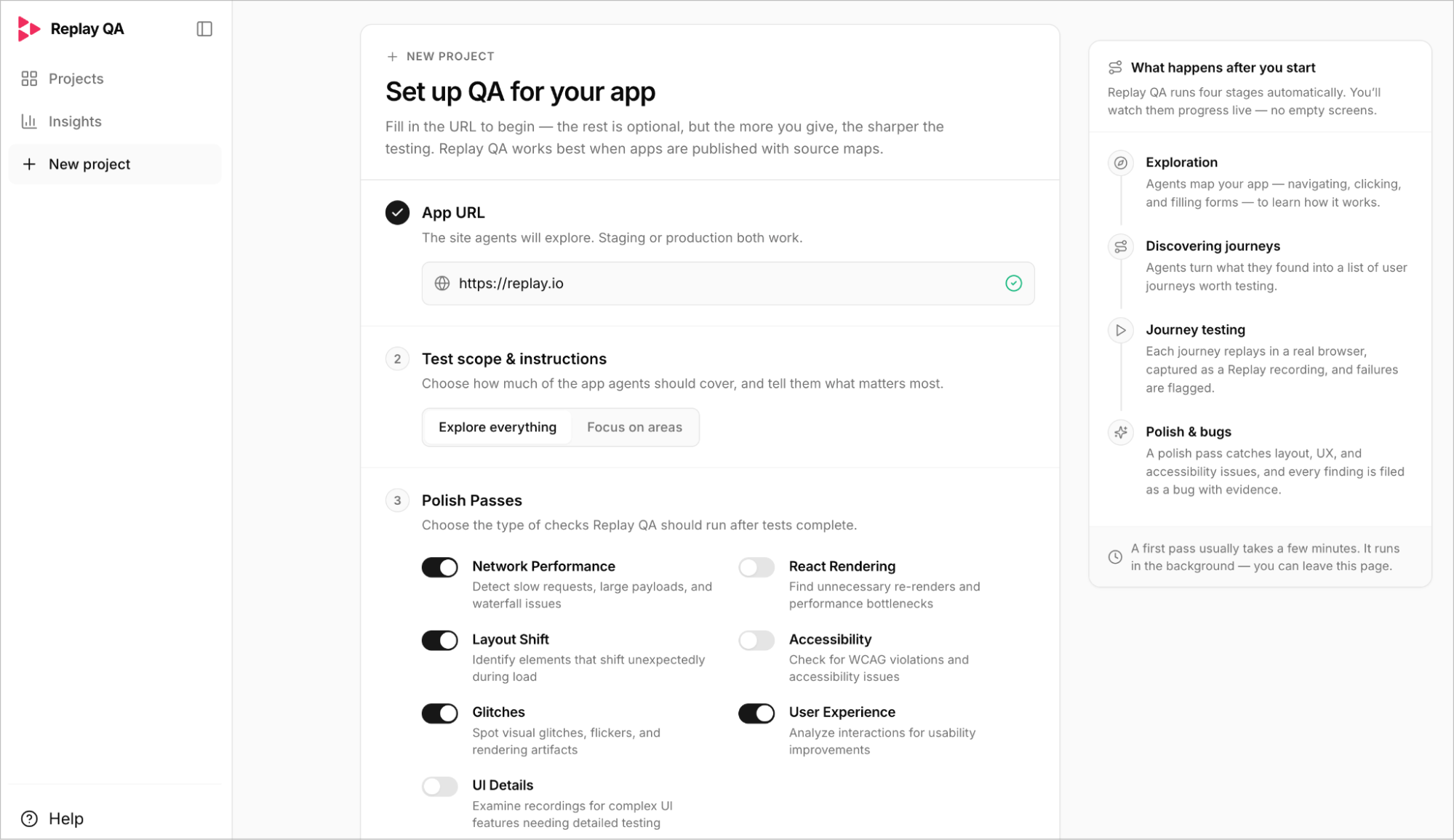
Replay QA runs on its own, and you watch it work rather than waiting on a spinner.
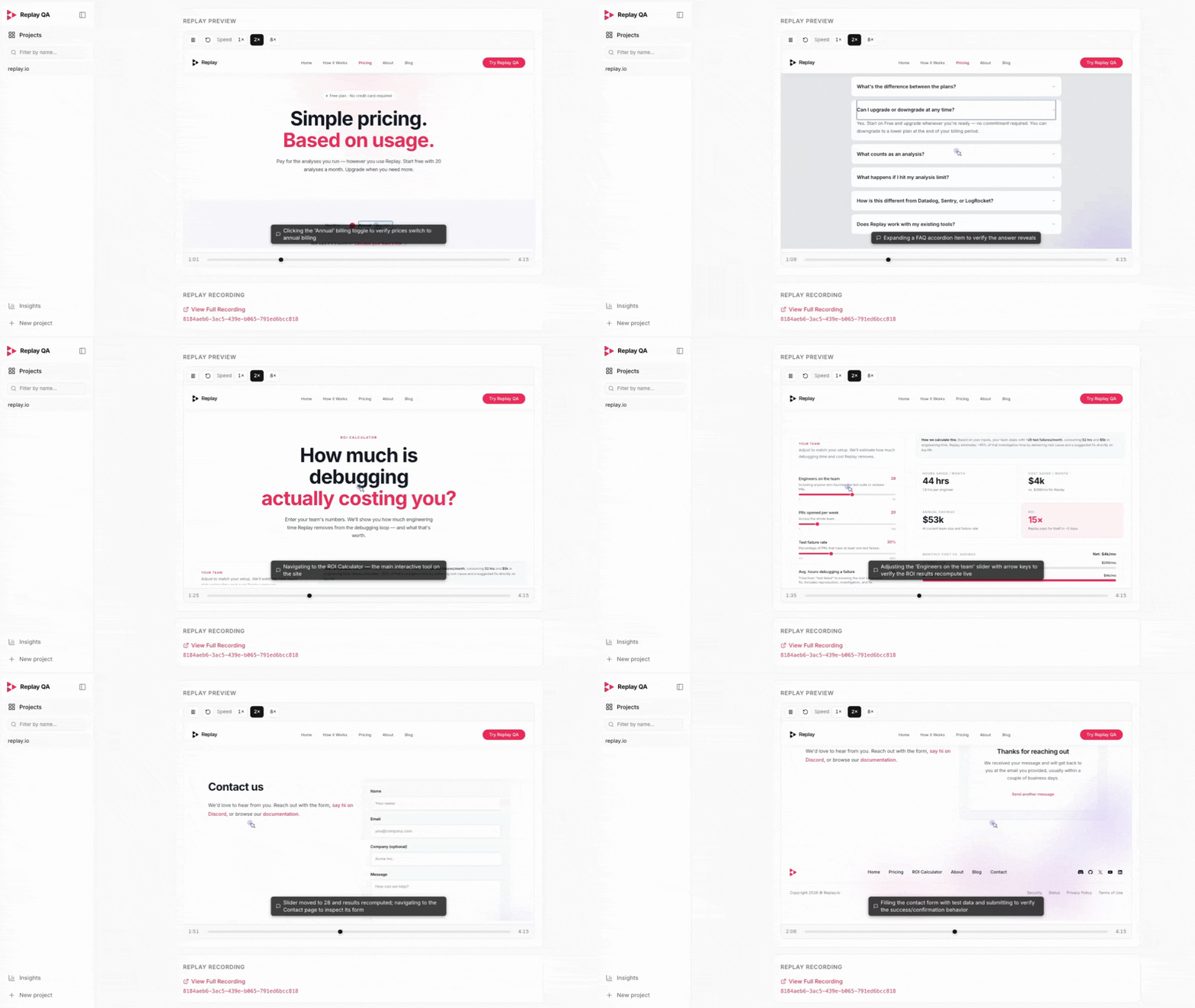
First, it explores: clicking through pages, opening menus, filling in forms, and learning how your app is put together. Then it turns that into a list of journeys worth testing, the things people will actually do in your app. If you built a tool with accounts and a checkout, it'll try to sign up, log in, add something to a cart, and pay.
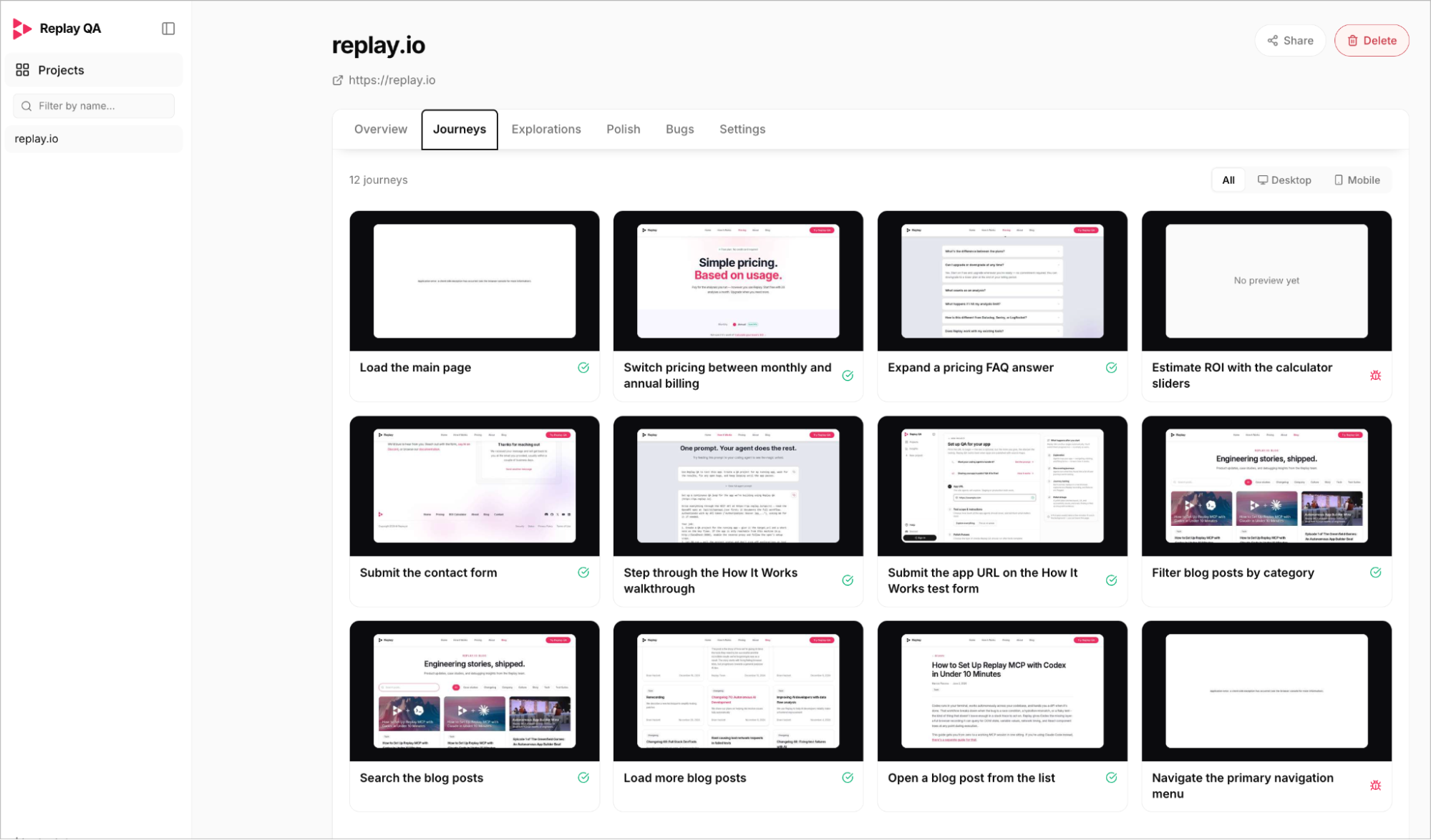
Each journey then runs in a real browser. If the signup form accepts a blank email, or the checkout button does nothing on mobile, or a page throws an error halfway through, that gets caught and filed as a bug. A final pass looks for the rougher edges too: layout that breaks, confusing UX, and accessibility problems.
What you get back is a list of real bugs, each reported with a root cause and the recorded data behind it. A first run takes a few minutes and happens in the background, so you can close the tab and come back to it.
Every test is a recording
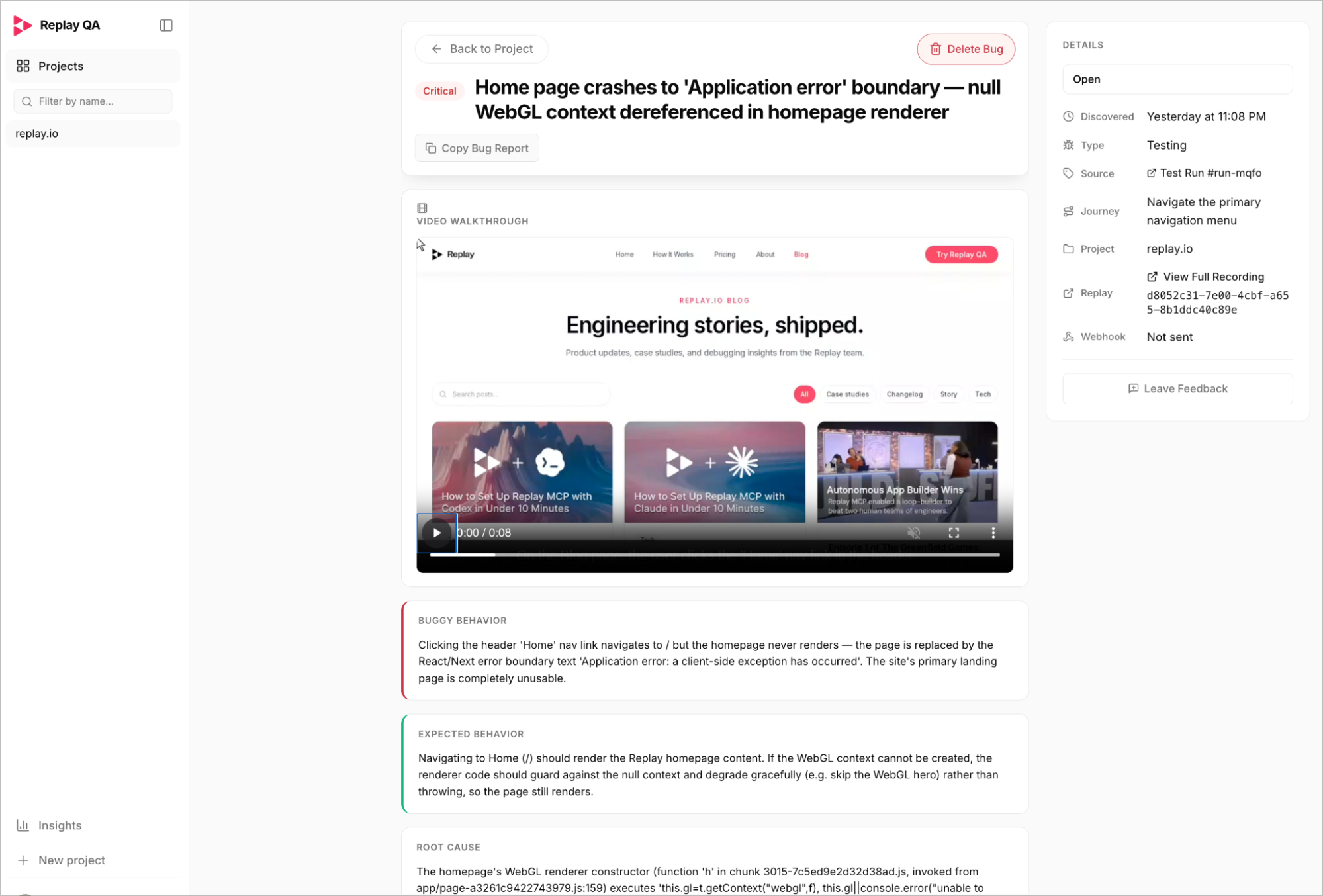
That recording is the part that makes the report worth acting on.
Plenty of tools can tell you a test failed and hand you a screenshot. A screenshot shows you the app froze, but doesn't show you what led up to it. Replay QA captures the whole session, so when something breaks, you can replay the exact moment it happened - each bug is reported with a root cause derived from real recording data, not guesswork from a still image.
And if you build with a coding agent, that recording is what it's been missing. The root cause includes enough detail for the agent to fix the bug correctly, and because it's grounded in actual recorded data, the agent stays on track rather than hallucinating.
Share your app in public, QA it for free
Publish your app in a Show HN, Reddit thread, X post, or anywhere else with a public link, and Replay QA will make QA for that project free. We will refund any credits you have already spent on it, and future QA runs for that project stay free.
In exchange, the shared project is public and searchable. Other builders can see the QA result and what Replay QA found. You get public evidence of the work you put into testing your app, while Replay builds an open library of real QA results for builders shipping in public.
To enable it, create a project with your app URL and any required logins. Then open Project settings and add the link to your public post as the project’s public share link. Only use this for an app and results you are happy to share openly.
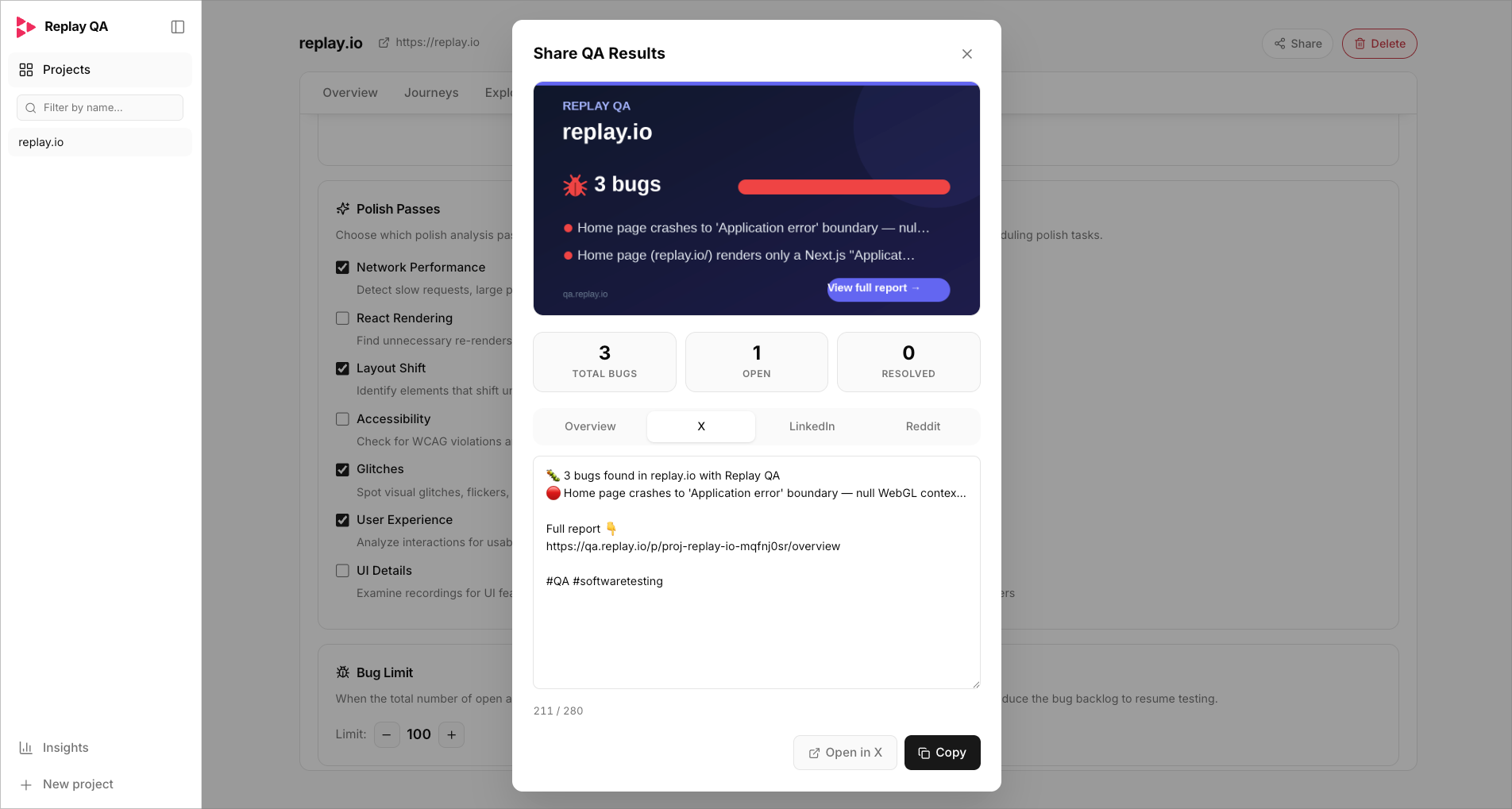
You can also run QA on someone else’s public launch to help them spot issues. They will be able to see what you found.
Get started
Posting your app in public? Share the link with Replay QA and we will test that project for free, including a refund of any credits already spent. Otherwise, point Replay QA at your URLand see what it finds. Your first run takes only a few minutes.